

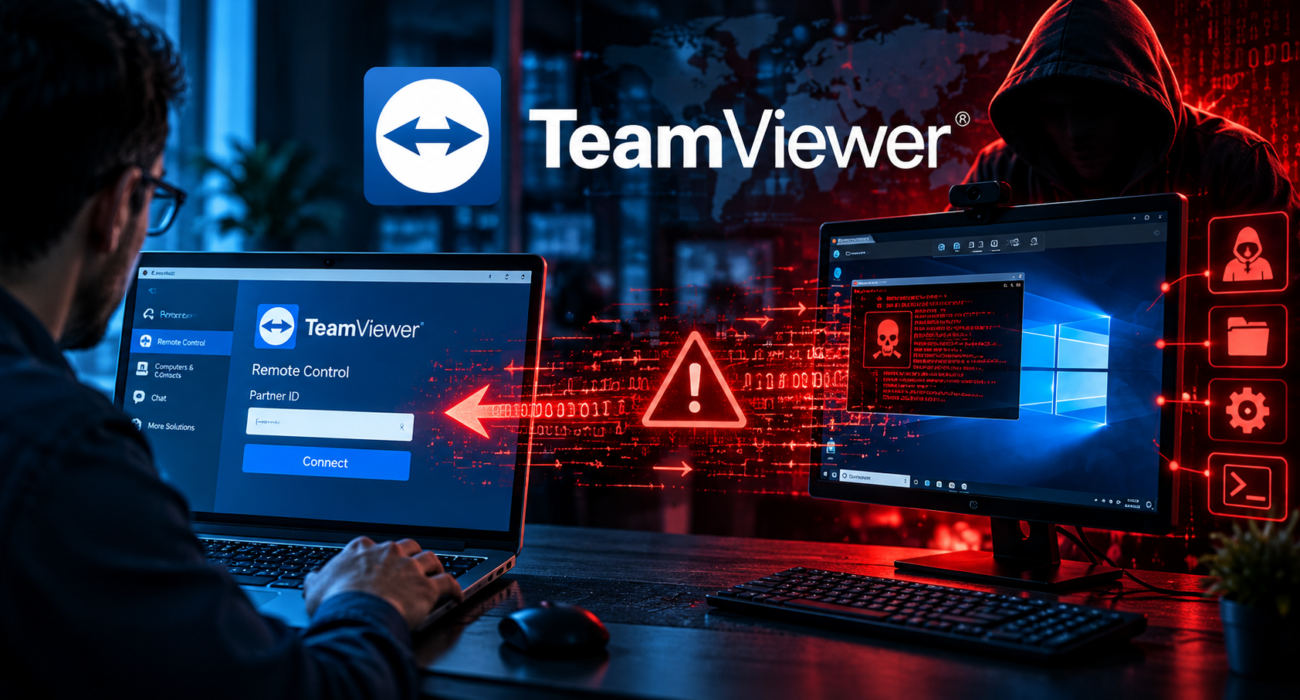
TeamViewer Vulnerability CVE-2026-111585: How Hackers Could Exploit Remote Access Sessions to Attack Connected Computers
Remote access software has become an essential part of modern IT infrastructure. Businesses use tools such as TeamViewer to provide technical support, manage servers, troubleshoot systems and access computers remotely.
However, a newly disclosed high-severity vulnerability in TeamViewer has raised an important security concern: what happens when the computer being remotely controlled is itself compromised?
A security flaw tracked as CVE-2026-111585, with a CVSS severity score of 8.8, could allow a malicious or compromised remote computer to attack the system connecting to it.
The vulnerability is particularly concerning because it reverses the traditional security assumption of remote desktop software. Instead of the remote technician attacking the host, the host could potentially exploit weaknesses in the technician’s TeamViewer client.
The vulnerability affects multiple TeamViewer client platforms, and the company has released security updates addressing the issue.
In this article, Techgen Cyber Solution examines how CVE-2026-111585 works, the technical mechanism behind the vulnerability, its potential impact on organisations and the steps users should take to protect their systems.
What Is the TeamViewer CVE-2026-111585 Vulnerability?
CVE-2026-111585 is a high-severity security vulnerability affecting TeamViewer remote-control software.
The flaw involves an integer overflow in the processing of remote screen information.
During a remote-control session, the computer being controlled sends information about its screen dimensions to the computer controlling it.
The receiving TeamViewer client processes this information to allocate memory for displaying the remote screen.
However, insufficient validation in the screen-size calculation can result in an integer overflow, causing the application to allocate less memory than required.
When additional screen data arrives, the application may write beyond the allocated memory boundary.
This creates a memory corruption condition that could cause the TeamViewer client to crash and, under certain circumstances, potentially allow arbitrary code execution.
According to the security researcher who investigated the issue, successful exploitation could potentially compromise the computer initiating the remote-control session.
How Does the Attack Work?
To understand the vulnerability, it is important to understand how TeamViewer remote-control sessions operate.
There are two primary systems involved:
1. Viewer: The computer used by an IT technician or administrator to remotely control another system.
2. Host: The computer that receives remote support and is being controlled.
In a conventional remote-access scenario, the viewer connects to the host and receives information about its screen, applications and system environment.
However, CVE-2026-111585 creates an unusual attack possibility: a malicious host can send specially crafted screen information to exploit the viewer.
Step-by-Step Technical Explanation
Step 1: Establishing a Remote-Control Session
The attacker controls a malicious or compromised computer running TeamViewer.
A legitimate user or IT technician initiates a remote-control session with that computer.
Step 2: Sending Manipulated Screen Information
During the session, the host provides screen dimensions and related information to the viewer.
An attacker can manipulate this information to trigger an integer overflow in the viewer’s screen-processing functionality.
Step 3: Integer Overflow
The TeamViewer client performs calculations to determine the amount of memory required for processing the incoming screen data.
Because the calculation is not sufficiently protected against overflow conditions, the resulting memory allocation can be smaller than expected.
Step 4: Out-of-Bounds Memory Write
Additional screen data is processed beyond the allocated memory boundary.
This can corrupt adjacent memory and interfere with the normal execution of the TeamViewer client.
Step 5: Potential Code Execution
Depending on the platform and exploitation conditions, the memory corruption may be leveraged to execute arbitrary code on the viewer’s computer.
The researcher demonstrated code execution on Windows by bypassing operating-system exploit protections.
Importantly, the published demonstration used a local stand-in on the host to provide part of the attack data. It was not a fully demonstrated attack conducted entirely over the network.
The vulnerability also creates a denial-of-service risk because the malicious host can repeatedly trigger the application crash.
Why Is This Vulnerability Different from Traditional Remote Access Attacks?
Most people associate remote-access attacks with compromised credentials, stolen passwords, malicious remote access links or unauthorised connections.
However, CVE-2026-111585 demonstrates a different attack scenario.
The attacker does not necessarily need to steal the victim’s TeamViewer credentials or gain administrative access to the viewer’s computer before the session.
Instead, the vulnerability is triggered through the normal remote-control communication process after the user establishes a session with the malicious or compromised host.
This creates a significant security consideration for:
- IT support technicians.
- Managed Service Providers (MSPs).
- Enterprise system administrators.
- Remote troubleshooting teams.
- Technical support organisations.
- Cybersecurity professionals.
A compromised customer endpoint could potentially become an attack surface against the support technician’s workstation.
Which TeamViewer Versions Are Affected?
According to the published security advisory, CVE-2026-111585 affects the following products in versions before 15.83:
| Product | Affected platforms |
|---|---|
| TeamViewer Full Client | Windows, Linux, macOS |
| TeamViewer Portable | Windows |
| TeamViewer Remote Control App | Android |
TeamViewer’s version 15.83 update addresses this vulnerability.
The advisory also identifies other vulnerabilities addressed in the same release, including issues affecting additional TeamViewer products.
Users running TeamViewer Host should also install the latest available security update because the same update addresses separate vulnerabilities affecting Host.
Organisations using supported legacy branches should follow the corresponding fixed-build guidance provided by TeamViewer.
Important: Updating to version 15.82 does not resolve CVE-2026-111585. The September security update did not address this subsequently disclosed issue.
What Are the Potential Security Impacts?
The vulnerability has several important security implications.
1. Remote Code Execution
Under applicable exploitation conditions, an attacker could potentially execute arbitrary code on the computer running the vulnerable TeamViewer viewer.
This could expose sensitive information and create opportunities for further compromise.
2. Denial of Service
A malicious host can trigger a crash in the viewer’s TeamViewer application.
Repeated exploitation could disrupt remote support operations.
3. IT Support Infrastructure Exposure
IT technicians frequently connect to computers belonging to different customers and organisations.
If a technician’s workstation becomes compromised, it could potentially expose additional business systems and sensitive information.
4. Enterprise Security Risks
Organisations that rely heavily on remote administration tools should consider the possibility that compromised endpoints could become attack vectors against internal support infrastructure.
This is particularly relevant for businesses operating centralised IT support environments.
How Can Organisations Protect Themselves?
TeamViewer has released security updates addressing the vulnerability. Updating to the latest available fixed version is the primary mitigation.
However, organisations should also review their broader remote-access security practices.
1. Update TeamViewer Immediately
Check all systems running TeamViewer, including:
- IT administrator workstations.
- Employee computers.
- Remote support laptops.
- Windows and Linux servers.
- Managed customer endpoints.
- Android remote-control devices.
Install version 15.83 or later, or the applicable fixed release for your supported product branch.
2. Restrict Remote Access Sessions
Do not accept remote-control connections from unknown or untrusted systems.
Organisations should establish clear remote-access policies and maintain an inventory of authorised endpoints.
3. Isolate IT Support Workstations
Dedicated IT support computers should be separated from ordinary employee endpoints wherever practical.
Implement:
- Network segmentation.
- Endpoint Detection and Response (EDR).
- Application control.
- Least-privilege access.
- Restricted administrative permissions.
4. Monitor Suspicious Activity
Security teams should monitor remote-access applications for unusual activity.
Look for unexpected application crashes, abnormal process creation, suspicious child processes and unexpected changes to endpoint configurations.
5. Conduct Regular Vulnerability Assessments
Organisations should regularly assess remote-access software, endpoint configurations and internal infrastructure.
Security testing should include application version verification, configuration reviews, access-control testing and endpoint security assessments.
Why Remote Access Software Needs Stronger Security Controls
Remote access tools are powerful because they provide direct interaction with another computer.
However, this functionality also creates a large security responsibility.
Modern remote access applications process information from potentially untrusted systems, including:
- Screen dimensions.
- Image data.
- File-transfer information.
- Clipboard content.
- Remote session metadata.
- Application and device information.
Every input-processing component represents a potential attack surface.
Software developers should implement strict input validation, integer overflow protection, memory-safe programming practices and robust bounds checking.
Security researchers should also evaluate both sides of a remote-access connection rather than examining only the system initiating the session.
CVE-2026-111585 is an important reminder that trust relationships in remote-access software must be carefully designed and continuously tested.
Final Thoughts: Can Your Remote Support Computer Become the Target?
The TeamViewer vulnerability CVE-2026-111585 highlights an important weakness in the traditional understanding of remote desktop security.
A system that is normally considered the target of remote support could potentially become the source of an attack against the technician’s computer.
For businesses that depend on remote administration, this is a reminder to maintain updated software, isolate privileged workstations and continuously monitor remote-access activity.
At Techgen Cyber Solution Pvt. Ltd., we believe cybersecurity requires a proactive approach. Identifying vulnerabilities before attackers exploit them is essential to protecting business infrastructure, sensitive information and digital operations.
Whether your organisation operates remote support systems, enterprise networks, cloud infrastructure or business applications, regular security assessments can help identify weaknesses before they become serious incidents.
Need professional cybersecurity assistance?
Visit Techgen Cyber Solution to explore our cybersecurity, IT consulting, software development and technology services.
Secure your systems. Protect your business. Stay ahead of cyber threats.
Frequently Asked Questions (FAQs)
1. What is CVE-2026-111585?
CVE-2026-111585 is a high-severity integer overflow vulnerability in TeamViewer’s remote-session screen-processing functionality. It could allow a malicious host to crash or potentially execute code on the computer controlling the remote session.
2. What is the CVSS score of the TeamViewer vulnerability?
The vulnerability has a CVSS score of 8.8 out of 10, placing it in the High severity category.
3. Can a remote computer attack the technician’s computer through TeamViewer?
Yes, under the conditions described by the researcher, a malicious or compromised host can send manipulated screen information to trigger the vulnerability in the viewer’s TeamViewer client.
4. Does CVE-2026-111585 allow remote code execution?
The vulnerability can potentially allow arbitrary code execution depending on the affected platform and exploitation conditions. The researcher demonstrated code execution on Windows.
5. Which TeamViewer version fixes CVE-2026-111585?
TeamViewer version 15.83 addresses the vulnerability. Users should install the latest available release or the applicable fixed version for their supported product branch.
6. Is TeamViewer safe to use after the security update?
Installing the security update addresses the reported vulnerability. However, users should continue following security best practices, including strong authentication, restricted access, endpoint monitoring and regular software updates.
7. Can organisations prevent remote access vulnerabilities?
Organisations can reduce exposure through regular patch management, endpoint protection, network segmentation, secure access policies, vulnerability assessments and continuous security monitoring.